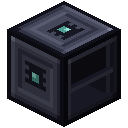
Encoding Terminal
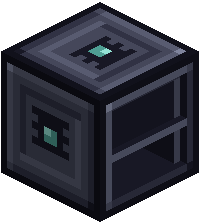
The Encoding Terminal writes recipes onto Recipe Cards. It is also where a Deck gets paired with a network, which unlocks autocrafting, ports and the Network tab.
Writing a recipe
- Click items into the grid. They are only examples and are never used up.
- Put an empty or filled Recipe Card in.
- Press Encode. Take the finished card out first, or it can't write the next one.
For a machine, choose it in the terminal's machine list first. Then fill the right-hand column with what the machine gives back. Scroll over a slot to change its amount, with Shift for bigger steps. Right-click with a full bucket or tank to set a fluid. See the Access Port.
The Deck tab shows what is on your Deck. Click an item there for a copy to put in the grid. Nothing leaves the Deck.
Pairing a Deck
Open the Deck Link window with the side key. Put a Deck in its left slot and take it from the right. Pairing another Deck replaces that player's previous one.
Who may use it
The Access window lets the owner trust other players by name, up to 32. Trusted players share recipes but use their own stored items.
| At a glance | |
|---|---|
| Uses | 5 FE a tick |
| Counts toward | the machine limit |
Recipe
 Crafting