Backups and recovery
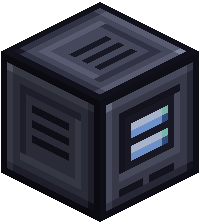
Link a wafer to an Archive and it can be recovered if it is lost.
Backing up
- Place an Archive and give it power.
- Shift-right-click it with your Deck. The Deck's wafers are backed up in slot order.
- Wafers already backed up on the network are skipped, and the Archive's free slots decide how many fit.
The screen shows how many wafers are backed up.
Recovering
Put a blank wafer of the same kind in the recover slot and press Recover. The new wafer gets everything the lost one held. It has to be the same size or bigger.
Who can use an Archive
- A standalone Archive works for its owner with no Encoding Terminal. It links the Deck in the owner's hand on the first backup.
- On a network, it defaults to the network owner. The owner can pick another trusted player's Deck instead, with Override Link.
- Trusted players can look at the backups.
- Replace a lost Deck for the same player and the backups stay.