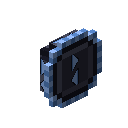
Item ports
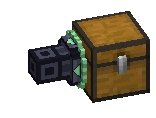
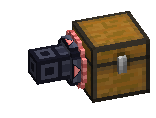
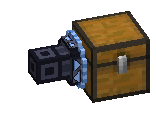
Ports move items and fluids between the network and the blocks next to them.
| Port | Does |
|---|---|
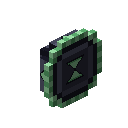
| Input Port | pulls into a linked Deck |
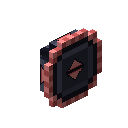
| Output Port | pushes out of the Deck |
| Two-Way Port | both, with output first |
Two shapes
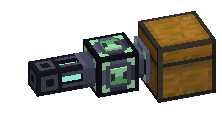
- Thin: sits on a Data Cable face and works on the block in front of it.
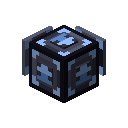
- Block: joins the network like a machine and works on every block it touches, with one set of filters and one speed shared between them.
- On a JASM machine, a block port only moves what that face's I/O setting allows.
- A block Input or Two-Way Port also takes items pushed into it by hoppers, pipes or machines.
Convert one shape into the other in a crafting grid.
Filters
Each direction has its own filter. An empty output filter sends nothing. A Two-Way Port shows one at a time: the Output and Input buttons switch between them.
Speed
Ports run twice a second while they are busy, and check once a second after five idle seconds. Five upgrade slots take up to four Speed Upgrades.
| Upgrades | Items per operation | Items per second |
|---|---|---|
| 0 | 1 | 2 |
| 1 | 4 | 8 |
| 2 | 16 | 32 |
| 3 | 48 | 96 |
| 4 | 96 | 192 |
Fluids share that speed with items.
More slots
- A Power Upgrade makes the port supply FE to the machine it faces.
- A Redstone Upgrade makes it follow a redstone signal.
- On Output and Two-Way Ports, a Crafting Upgrade crafts what the port sends and a Stock Upgrade keeps a block stocked to a number.
Recipes
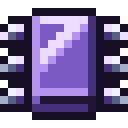
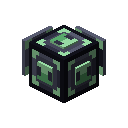
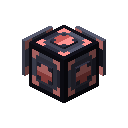
An Input or Output Port is an Access Port with a hopper or dropper, a Link Chip and a dye.
 Shapeless Crafting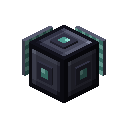


 Shapeless Crafting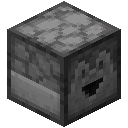
 Shapeless Crafting
 Crafting
 Crafting
 Crafting